


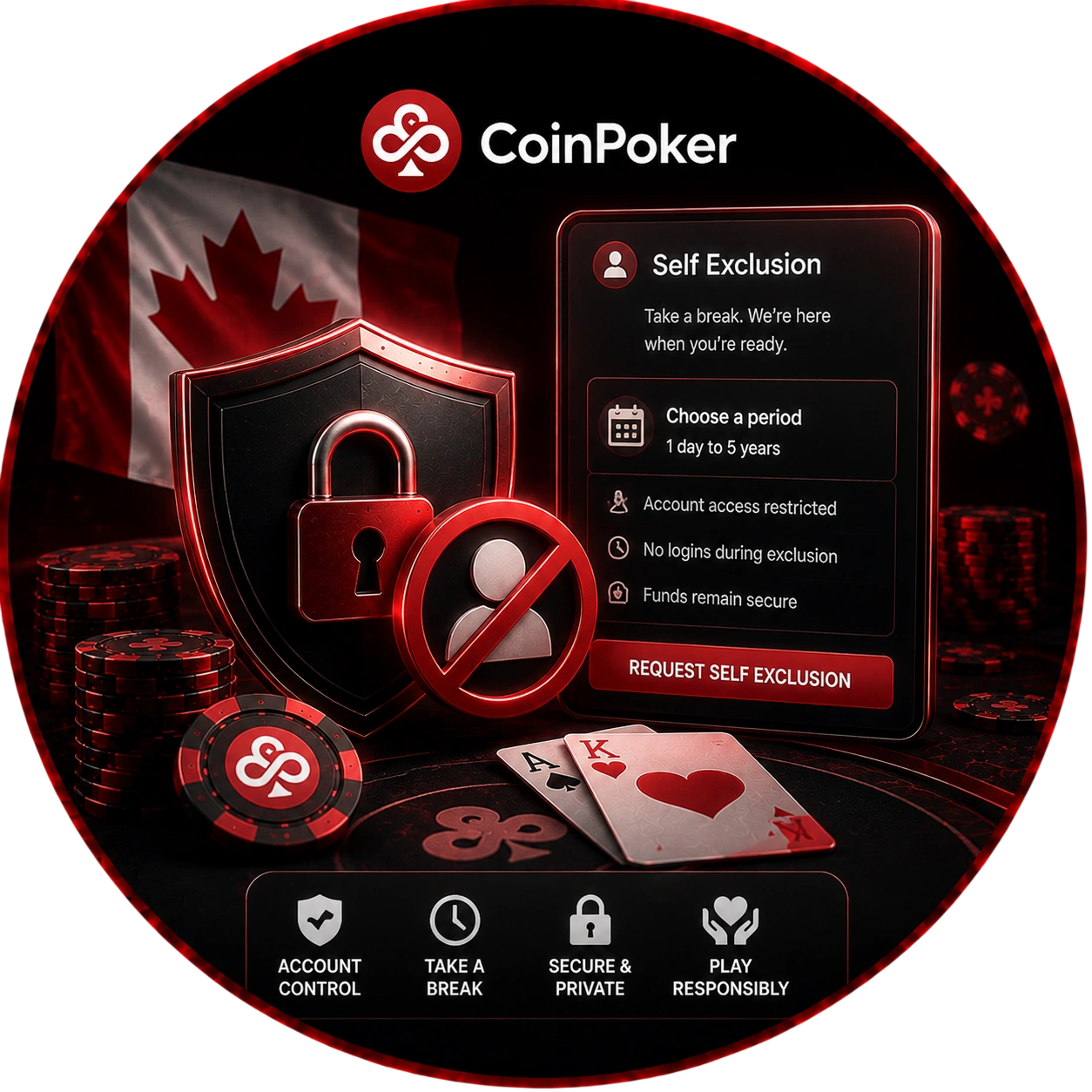
How to Request CoinPoker Self Exclusion in Canada
When you request CoinPoker self exclusion, the process starts with a written instruction to Customer Support. Choose the period before submitting the request. The policy allows a term from one day to 5 years.
- Choose the period: decide how long the restriction should remain in place.
- Write the request: state that you want self exclusion for the selected term.
- Submit it: use the email request channel specified by the policy.
- Wait for confirmation: the request is fulfilled only after Customer Support sends a confirmation email.
The confirmation completes the request under the policy. Until that message arrives, the request is not considered fulfilled. Treat the confirmation as part of the formal process.
What the 24 Hour Cooling Off Period Means
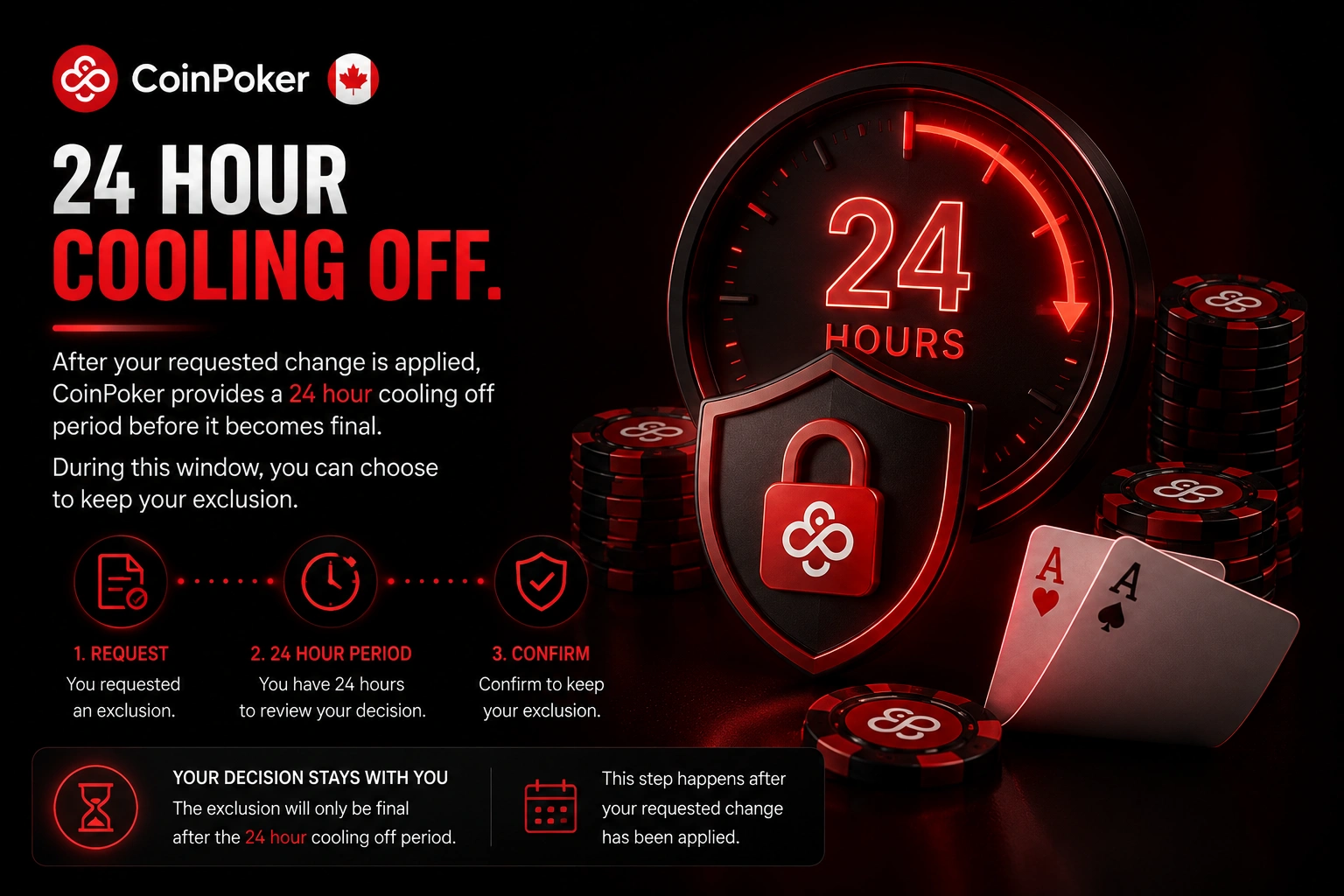
After the requested modification is enforced, the policy provides a 24 hour cooling off period. During that window, you may elect to keep the exclusion in place. The document positions this stage after the requested access change has been applied.
It gives you a defined interval to consider the restriction already affecting your profile. This stage belongs to the formal self exclusion process rather than ordinary platform use. The policy connects it directly to the modification requested by the customer.
CoinPoker Canada Self Exclusion Policy Details
The CoinPoker Canada self exclusion process is documented in a formal policy with identifying company information. These details identify the document governing the access control rules on this page. They are administrative identifiers rather than actions you need to complete.
| Policy detail | Official information |
| Company | Precise IG Solutions B.V. |
| Registration number | 162989 |
| Registered address | Schottegatweg Oost Unit 1-9 Bon Bini Business Center, Willemstad, Curacao |
| Last update | 2 March 2026 |
These identifiers appear above the substantive user access rules in the document. They place the control measures within the named policy record. For Canadian readers, they also help confirm which formal version is summarized here.
Contacting Support About Account Control
For access control questions, the policy provides direct support routes. A self exclusion request can be submitted by email to Customer Support. Operators are also available when you need more information about the policy.
You can contact them through live chat or the listed support email. These options cover the communication methods named in the document. Using them keeps your request or question within the stated support process.